
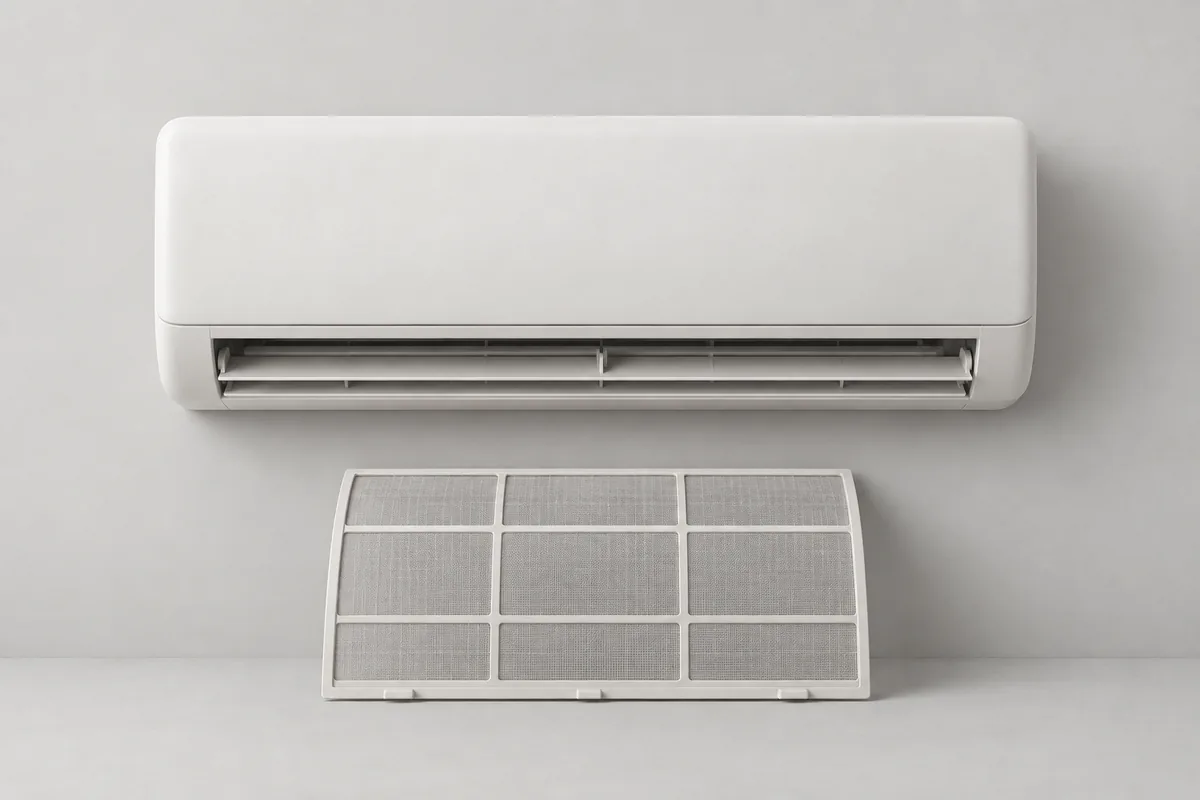
Check the model number and filter name first
Air conditioners that look similar outside may have different filters inside. Find the user manual using the model number on the indoor unit. Before starting, check how the cover opens, which filters are removable, and where they go back.
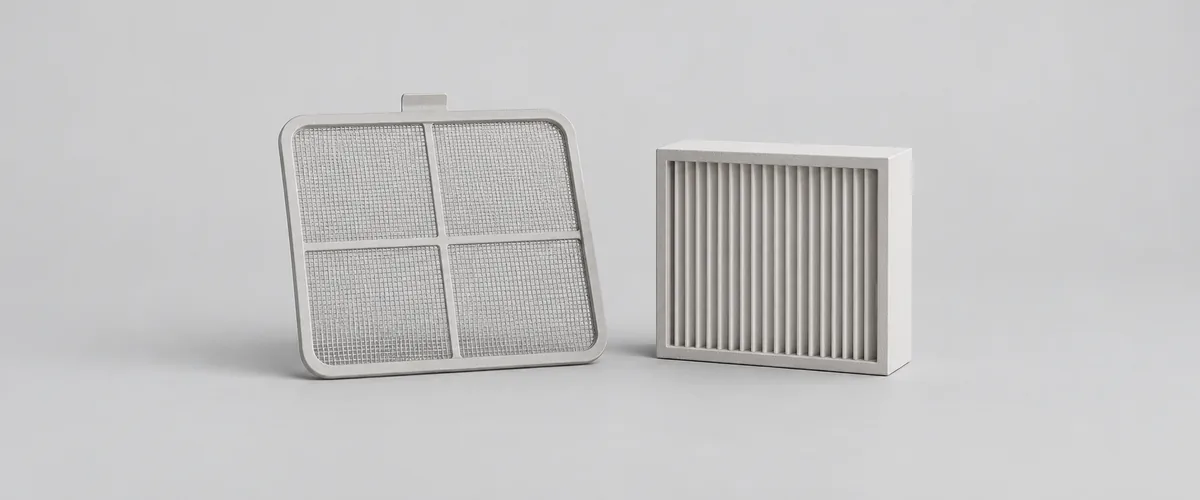
LG’s Korean-language guide for floor-standing units distinguishes a washable fine-mesh filter from model-specific replacement parts such as ultra-fine, deodorizing, and Allergy Care filters. It prohibits washing the functional filters for the products covered by that guide. First identify which category your filter belongs to. [1]
Samsung’s Korean-language floor-standing unit guide also treats fine-mesh, PM, and charcoal deodorizing filters differently. Do not put washable filters and replacement filters into water together. Even if names seem identical, prioritize your model’s manual. Ask the manufacturer before cleaning a part whose washability is unconfirmed. [2]
Photograph the installed filters before removing them so you have a reference when putting them back. Keep each part’s location and direction clear, and do not pull forcefully on areas other than the handles. If a filter will not come out, recheck the removal sequence before applying more force.
Isolate the power safely before cleaning
Before touching the filters, stop the air conditioner and check how to disconnect its power. LG’s filter maintenance guide says to turn the unit off and unplug it. Do not start reaching inside after only stopping operation with the remote control. [1]
For a hardwired unit without a plug or one using a dedicated breaker, follow the manual’s power isolation procedure before cleaning. If you do not know which breaker serves the air conditioner, ask the installer or manufacturer rather than accessing wiring or terminals yourself.
Maintain only the filters the manual allows users to remove. LG also advises against dismantling functional filters. For a unit that is difficult to reach safely, such as a ceiling-mounted model, ask about maintenance rather than climbing up to clean it. [1]
Clean only washable filters, and handle them gently
Once you have confirmed that the dust filter is washable, choose a method suited to its condition. Samsung’s floor-standing guidance describes vacuuming when there is little dust and washing the applicable filter when it is heavily soiled. Handle the mesh gently to avoid deforming it. [3]
Check your model’s instructions for water temperature, detergent, and washing time. Do not apply instructions for a particular floor-standing model to every filter. Replacement filters are not intended for washing. [3]
Scrubbing a filter or washing it forcefully can damage it. Check for tears and deformation first. If it is already damaged, ask the manufacturer whether it needs replacing rather than washing it for reuse. Do not extend the cleaning method to a washing machine or pressure washer. [3]
Do not apply the filter washing method to the unit itself. Samsung distinguishes professional cleaning involving internal disassembly from exterior and filter maintenance. Avoid touching electrical parts or internal components while cleaning the filters. [2]
Dry filters completely before reinstalling them
Do not reinstall a filter immediately after washing it. Samsung’s floor-standing guide says to stand the fine-mesh filter vertically at an angle and let it dry thoroughly in the shade. The same guide gives separate instructions to dry the PM filter completely in the shade for at least 12 hours. [2]
Do not treat 12 hours as a universal drying time for every filter. Instructions differ by type and model, so follow the method and time specified for your product. Even after that time has passed, do not rush to reinstall a filter that is still wet. [2]
Avoid placing filters in strong sunlight to dry them faster. Samsung says strong sunlight can damage filters and lead to assembly or noise problems. Keep the required shade-drying condition and check that the filter retains its original shape. [3]
Use your photograph or the manual’s illustration to reinstall each filter in its original direction. If the cover does not close, recheck the position instead of forcing it into place. Reconnect power only after installation is complete, then check normal operation.
Distinguish clearing a reminder from actually cleaning
Clearing a filter-cleaning indicator does not clean the filter. Samsung describes the checkerboard symbol as a maintenance reminder that appears after a set amount of use. Check the actual condition and finish any needed cleaning before finding your model’s reset procedure. [3]
Reset buttons and controls vary by model. Check your manual rather than copying the button combination for a different model year in the official guide. Record the maintenance date and filter name to distinguish what was cleaned from what was replaced when the next reminder appears. [3]
Maintenance intervals are not all the same either. Samsung’s floor-standing guide gives separate cleaning intervals for different filter types. Do not assume the fine-mesh and PM filters in one unit must always be washed on the same date; check the instructions for each part. [2]
If odors or weak airflow persist after cleaning, prepare the model number and maintenance record before requesting help. Cleaning that requires internal disassembly is a separate professional service. [2]