
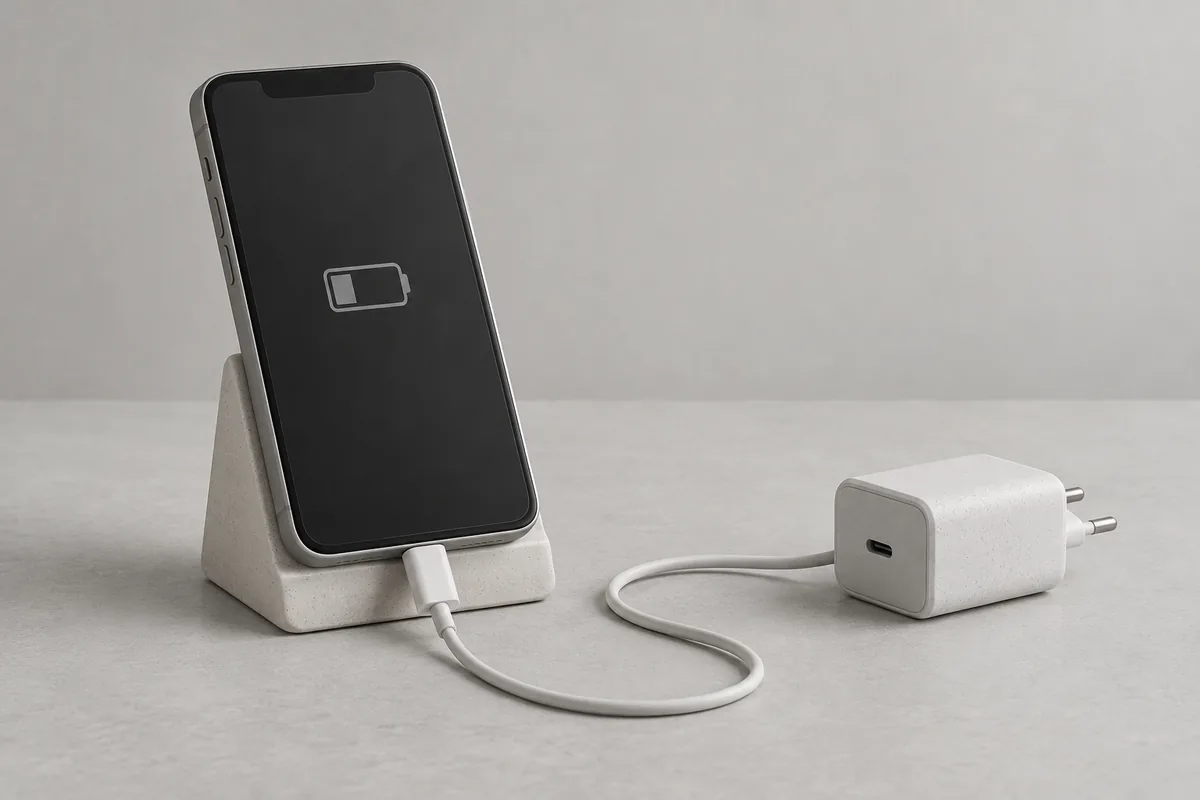
Distinguish slow charging from charging that has stopped
Check the charging indicator and battery percentage first. Is the percentage rising slowly, staying at one level, or accompanied by a moisture warning? Note the starting percentage, time, and apps in use before swapping equipment.
On iOS 18 or later, Slow Charger appears when a higher-output charger could help. It does not mean the phone or charger is faulty. Open Settings → Battery and check the information beside the message. [1]
If charging pauses around 80% or your chosen limit, check protection settings as well as the cable. Optimized Battery Charging on iPhone and battery protection on Galaxy can delay or stop charging intentionally. [3] [4]
Check the charger, cable, and power source together
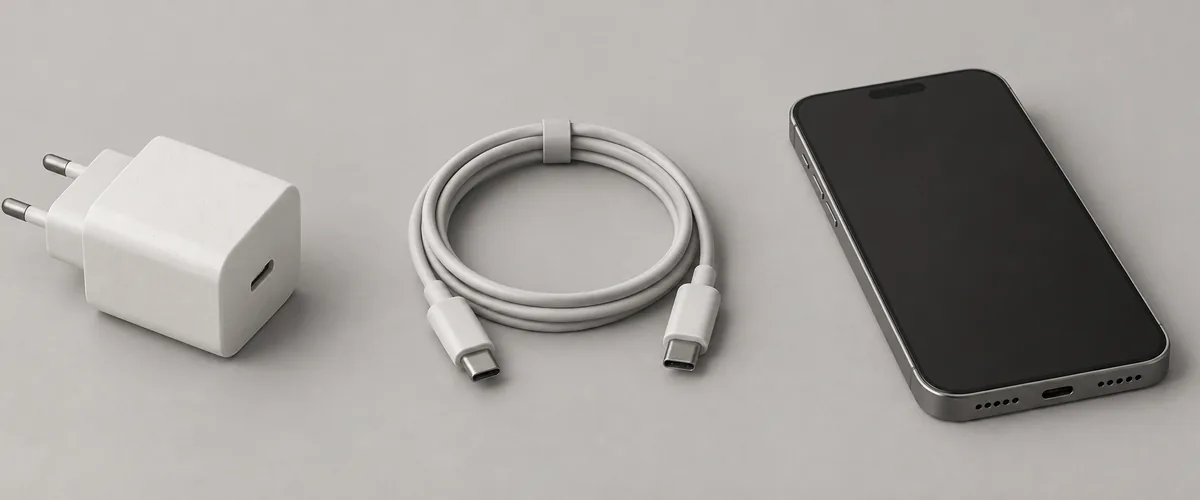
Apple specifies a USB-C Power Delivery charger with a USB-C cable for faster wired charging on iPhone 15 and later, or a USB-C to Lightning cable for iPhone 14 and earlier. Match the cable to your model. [1]
Other devices sharing a multiport charger, computer, or USB hub can reduce the power available. Note the charger and cable models as well as the connection, rather than judging by how the cable looks. [1]
Samsung’s Korean Galaxy guide gives Settings → Battery → Charging settings as one route to fast charging; some models use Device care → Battery. Menu wording and support vary by model and software, so check your phone’s guide. [2]
Galaxy fast charging needs a compatible phone, charger, and cable. Check your model’s specifications before buying. Compare one compatible component at a time and record the display; support varies by model, as Samsung’s Korean guidance explains. [2]
Pause games and video, then check the temperature
Compare charging during use with charging while the phone is idle. Apple and Samsung’s Korean guide explain that demanding apps and video can reduce charging speed. Pause them before deciding that the power source is the problem. [1] [2]
An iPhone can limit charging when its battery gets too warm and resume when it cools. Move the phone and charger to a cooler location, and check temperature before changing the charge limit. [5]
Samsung’s Korean guide says Galaxy charging power is controlled at high or low temperatures. If hot, stop demanding apps, disconnect charging, and wait for a normal temperature before trying again. [2]
Check the charge limit and battery protection
On iPhone 15 and later, open Settings → Battery → Charging. The charge limit can be set from 80% to 100% in 5-point steps. Compare your chosen limit with the level where charging stops. [3]
On iPhone 14 and earlier, find Optimized Battery Charging under Settings → Battery → Battery Health & Charging. It can delay charging past 80% when a long connection is expected. Check the setting before turning it off. [3]
Samsung’s Korean battery protection guide uses Settings → Battery → Battery protection. For Maximum mode on One UI 7.0 or later, it lists 80%, 85%, 90%, and 95% limits. Older versions and models differ; some use Device care. Check your device’s options. [4]
Before going out, compare the selected limit with the charge you need. Battery protection and heat-related pauses are separate checks. Raising the limit will not resolve every slow-charge situation; change only the setting relevant to your needs. [3] [5]
Stop if you see moisture or damaged accessories
Inspect the cable jacket, connector, and adapter for damage or deformation. Apple advises against using damaged accessories. Do not force a damaged connector into place simply to keep charging. [5]
For a Galaxy moisture warning, Samsung’s Korean guide says to disconnect and dry as instructed; moisture can cause corrosion and damage. Do not probe the port with tools. Have deformed connectors checked. [2]
An iPhone that still will not charge may need service. Prepare the model, operating system, charger and cable details, starting percentage, and any messages so support can understand when the problem occurs. [5]