
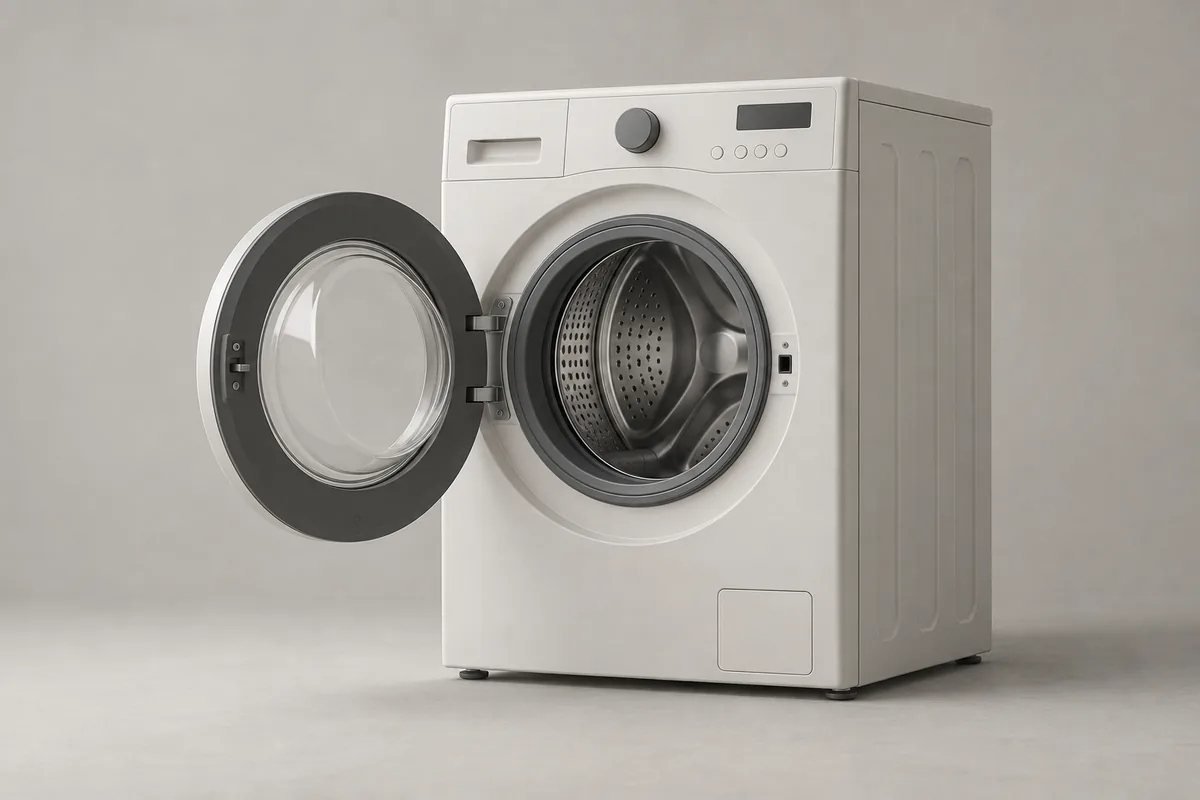
Find the cleaning cycle using your model number
Find drum-cleaning instructions in your model’s manual. LG’s Korean top-loader guide notes that some models select the cycle by holding another button. A missing dedicated button does not establish that the feature is absent; your local model’s controls may differ. [3]
Remove all clothes and towels, including small items left inside. Samsung’s Korean detergent-free drum-cleaning guidance says to run the cycle without laundry. It is a maintenance cycle, not a way to clean the drum and wash clothes together. [2]
Keep the cycle name, permitted cleaner, and filling location together for reference. If there is no dedicated cleaning cycle, find your model’s cleaning instructions. Do not copy button combinations or soaking times from a different machine.
Check whether the cycle allows a cleaner
Samsung’s Korean instructions for Simple Control front-loaders prohibit detergent in the detergent-free drum-cleaning cycle. Adding it can create excessive foam and prevent proper cleaning. For a cycle with this restriction, do not pour cleaner in first. [2]
LG’s Korean front-loader care guide instead specifies an oxygen-based drum cleaner, used according to its maker’s amount and instructions. It warns that chlorine-based or acidic cleaners can cause discoloration or corrosion. These conditions apply to the cited guidance, not every LG washer. [1]
If your model allows cleaner, check both the washer manual and the product label. Confirm the machine type, supported cycle, amount, and filling location. Do not improvise mixtures of baking soda, vinegar, or bleach to replace the specified product.
The filling location also matters. LG’s Korean front-loader guide uses the detergent compartment; its top-loader cleaning guide uses the drum. Follow your model’s manual rather than pouring into a location shown in another machine’s photograph. [1] [3]
Watch the cycle before judging the water level
Select and start the specified cycle. Do not force the door open or reach into a moving drum. LG’s Korean T18MX7/T19MX7 series manual warns against opening the door forcibly during operation and says to wait until rotation has completely stopped. [5]
A low initial water level is not necessarily a reason to cancel. LG’s Korean top-loader guide explains that filling and soaking vary by model and heater configuration; some models add more water later. Check the cycle instructions and remaining time first. [4]
Separate the powered cleaning cycle from wiping parts by hand. Finish operation and unplug before manually cleaning the exterior or drawer. LG’s cited manual also prohibits spraying water directly onto the appliance. This does not mean unplugging during an active drum-cleaning cycle. [5]
Clean the drawer and door seal separately
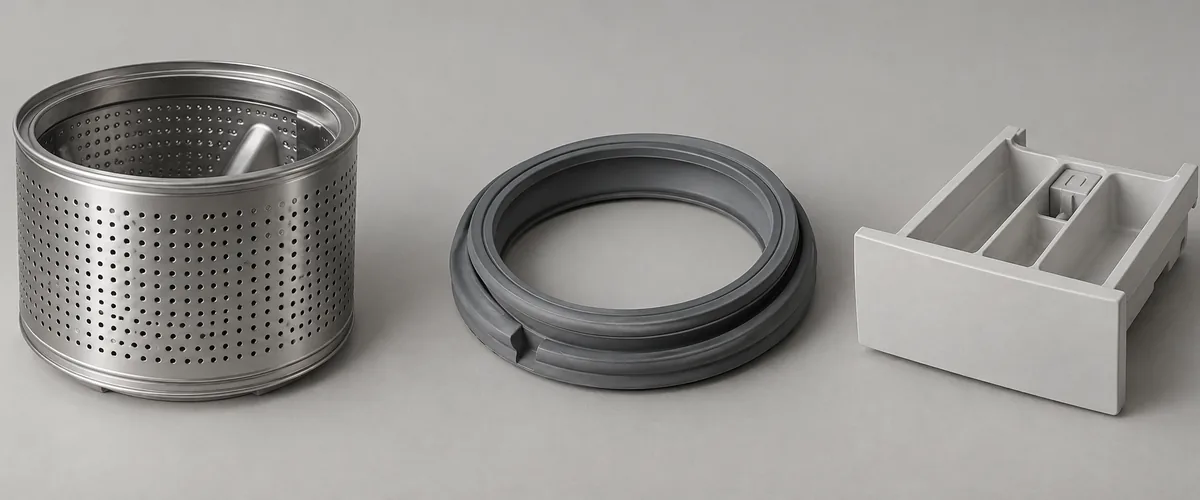
Check for hardened detergent or softener in the drawer. LG’s Korean care guide says buildup can prevent proper delivery into the drum. Remove and refit the drawer as your model instructs; the release mechanism can differ even within one brand. [1]
On a front-loader, inspect the lower folds of the door seal. Samsung’s Korean seal guide says to remove laundry, check for foreign material, and remove it. Use only cleaning materials permitted by your manual, then leave the door open to dry. [6]
Automatic dispensers may need separate drawer and pump cleaning. Samsung’s Korean guide provides pump instructions for the Bespoke AI Combo and applicable automatic-dispenser models from 2023 onward. Confirm that your model has the feature before following its menu and preparation steps. [7]
Keep children and pets away from an open drum during drying. LG’s cited Korean manual also warns against entering the drum. If you find internal dirt beyond accessible parts, request manufacturer service rather than removing covers. [5]
Record the date and check whether the reminder clears
Use your manual’s interval and the machine’s reminder. Samsung’s Korean Simple Control guide links reminders to operation counts, while LG’s Korean top-loader guide says the reminder can return after further use. Do not assign the same calendar interval to every washer. [2] [3]
In LG’s cited Korean top-loader guide, tCL is a drum-cleaning reminder, not a fault code. If it remains after cleaning, follow the service advice. Treat other displays according to your model’s manual rather than assuming they mean the same thing. [3]
Record the cleaning date, model, cycle, and permitted cleaner. Note whether you also cleaned the drawer and seal. If the reminder persists, share the display and your maintenance record with the manufacturer when asking what to check next.